Scenes
Photoreal to abstract, always in motion
The music changes the shape, direction and energy of every scene, not just the brightness.
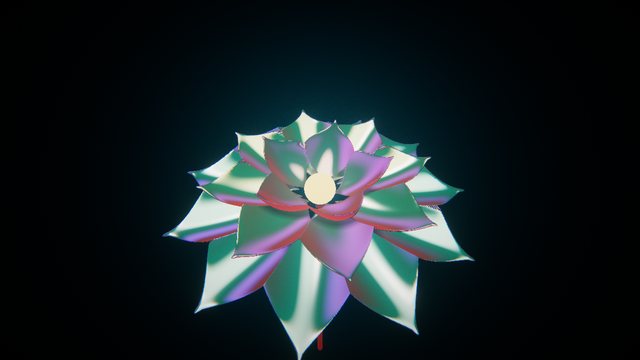
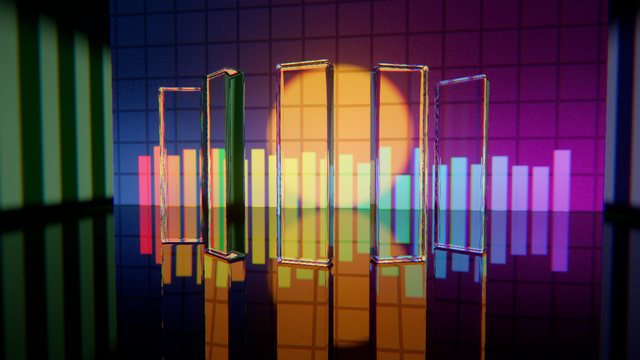

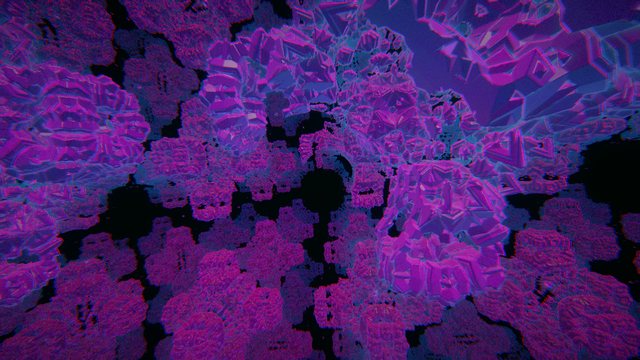

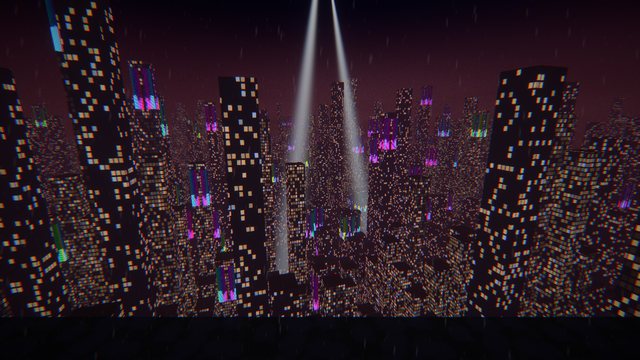
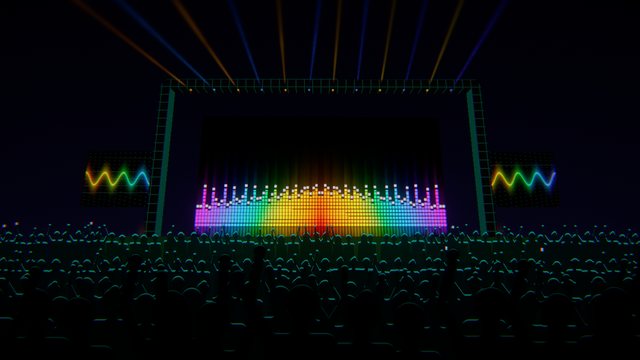
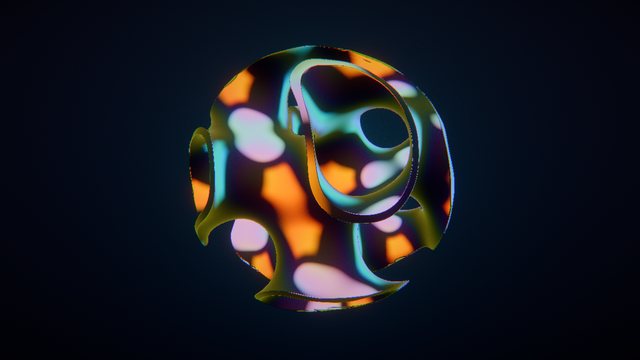

Trippin listens to whatever you're playing and drives live GPU scenes from the beat, the bass and the build. Plug in, press play, go live.
Works with any DJ software or player, and shows track names from Serato, rekordbox, VirtualDJ, Mixxx and Spotify
Made for Twitch, YouTube and TikTok DJs, home DJs and mobile DJs. Look pro without a VJ.
Band levels, onsets, kicks, tempo and the bar phase, tracked live. A neural downbeat check keeps the "one" on the one.
Cuts between scenes on phrase boundaries and drops. Breakdowns calm the visuals; the drop brings them back hard.
Dancers, drummers, guitarists, a keyboardist and a sax player perform on the beat over any scene, with five looks from shadow to neon.
Send clean video to OBS through Spout or NDI, with a transparent mode to layer Trippin over your camera.
An on-screen track card, your logo and a scrolling ticker. Detected automatically from your DJ software.
A replay buffer saves the last moments as 16:9 or vertical 9:16, ready for TikTok and Reels.
The music changes the shape, direction and energy of every scene, not just the brightness.
No cables, no MIDI mapping, no timecode. Trippin captures your system audio, or a specific input, and works out the rest.
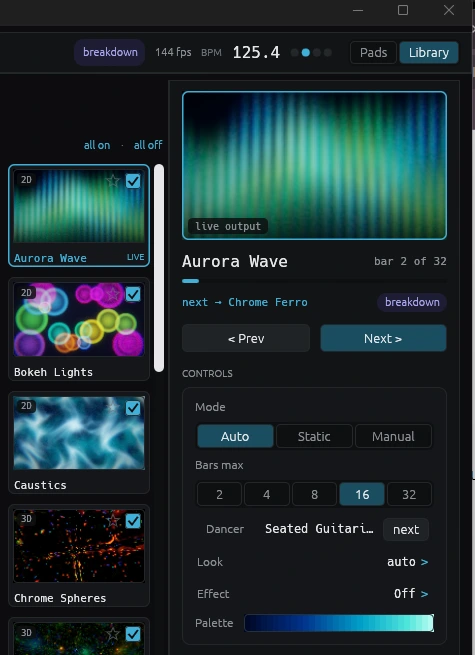
Pick a size, pick Spout or NDI, and it shows up in OBS. Add your branding and you're on air.
A band on stage, 40 engine shows, a one-click performance check, and a way to run Trippin on a second machine.
Serato on one machine, Trippin on another. A tray app sends what's playing across your network, and the visuals come back over NDI.
How it works →One button measures every heavy scene on your GPU and switches off the ones that can't hold 30 fps. Nothing is deleted.
See how →Drummers, guitarists, a keyboardist and a sax player, plus new comic and wire looks, all locked to the beat.
Meet the band →The same engine whether you're improvising a set or scripting one.
Script a whole set cue by cue, record it live, or let an AI direct a show from your track's real structure.
See it play →Bind any action to any pad or key in one press. Hot-plug friendly, and presses record straight into your timeline.
Map your controller →Clean video into OBS, Resolume or vMix in a click, up to 4K60, with a transparent mode to layer over your camera.
Go on air →Two more tools built for DJs, by the same people, both running locally on your machine.
Mixes that fix their own clashes. A desktop mix builder that splits tracks into drums, bass, melody and vocals, beat-matches them without changing key, and ducks only the stems that would clash in a transition.
Visit mixdis.com →Beatgrids that follow the drift. Fits tempo-following grids to live-drummer, vinyl and tempo-automated tracks, then writes them straight to Serato and Rekordbox 7.
Visit beatdis.co.uk →Free download for Windows 10/11 and macOS (Apple Silicon). A GPU from an RTX 3060 or an M2 upward is recommended.
Latest release on GitHub