In your hand
Everything on the desk, none of the cables
Pages tuned for thumbs in a dark room.
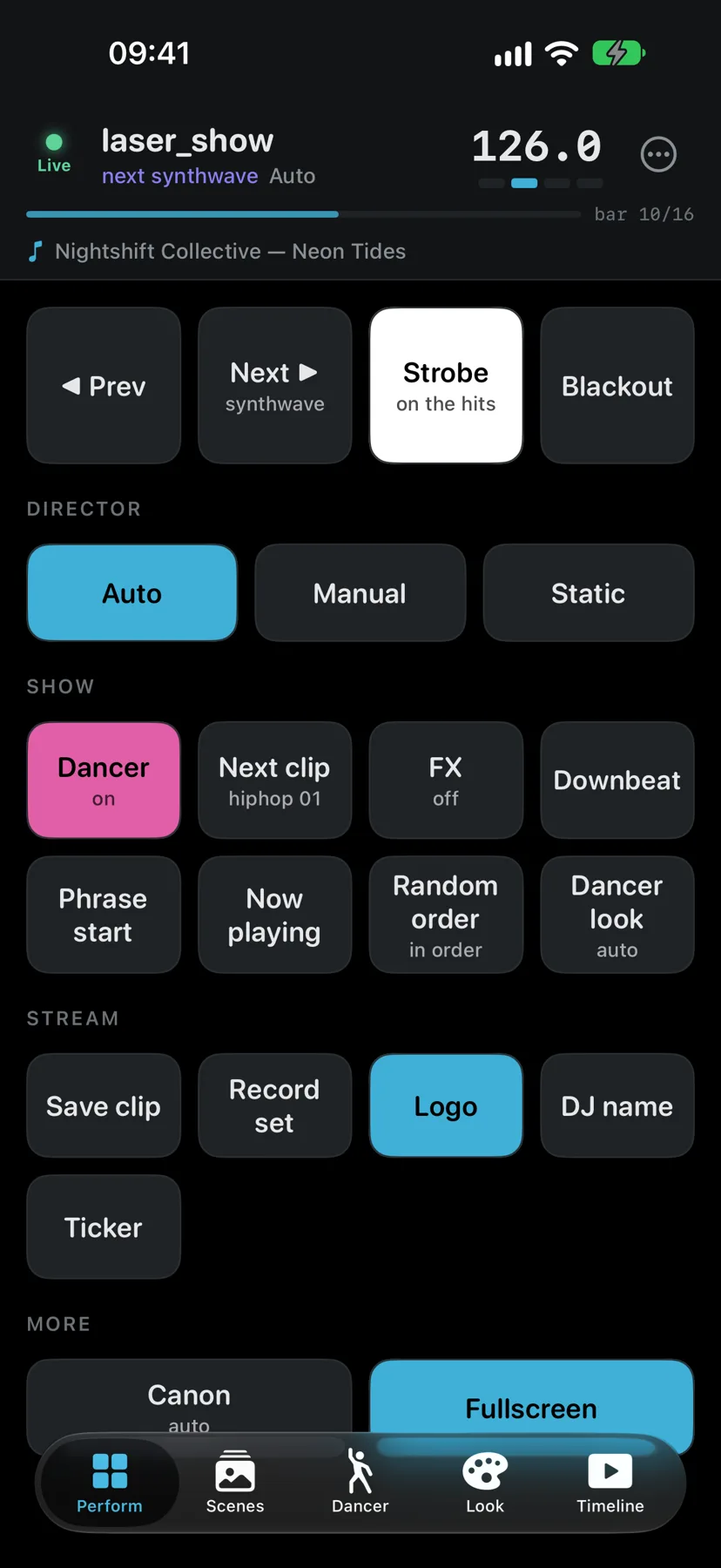
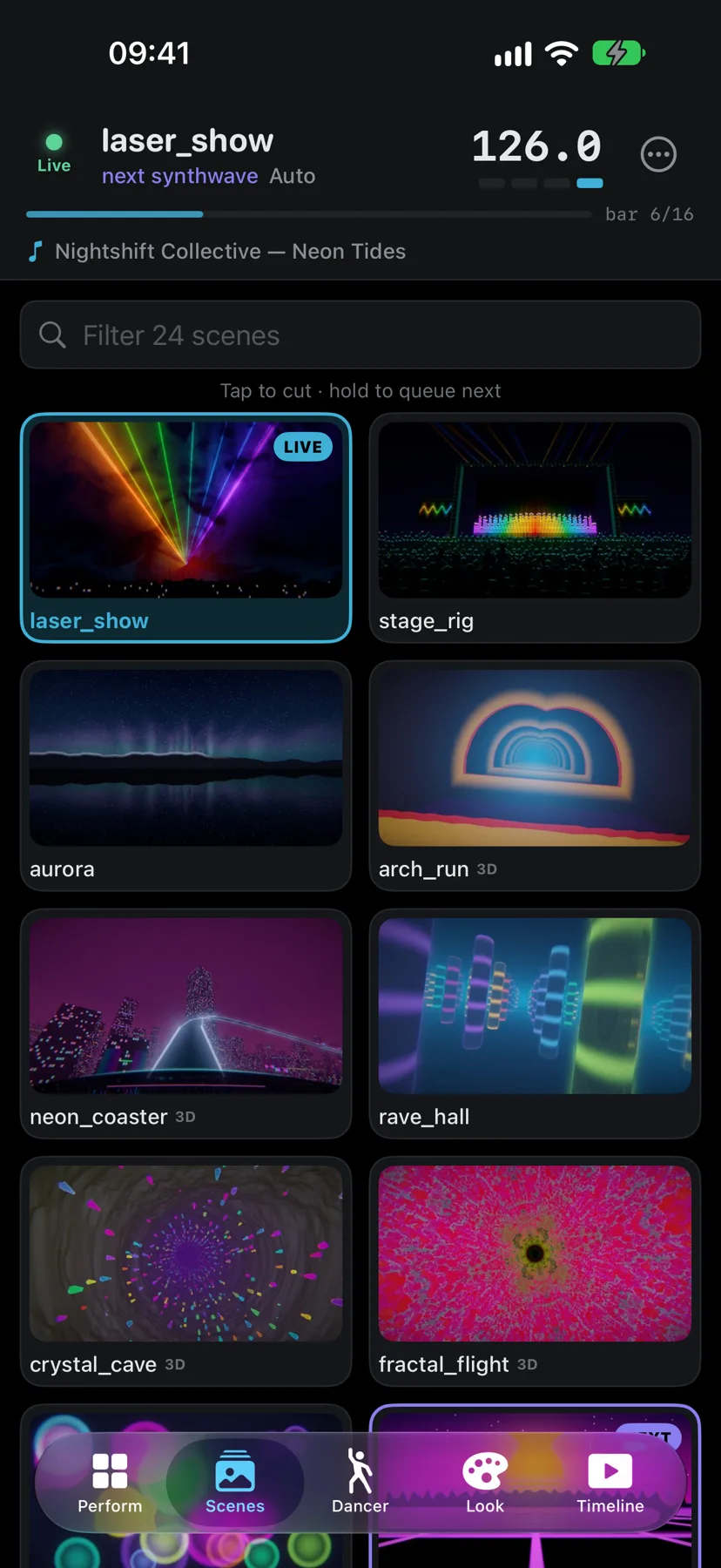
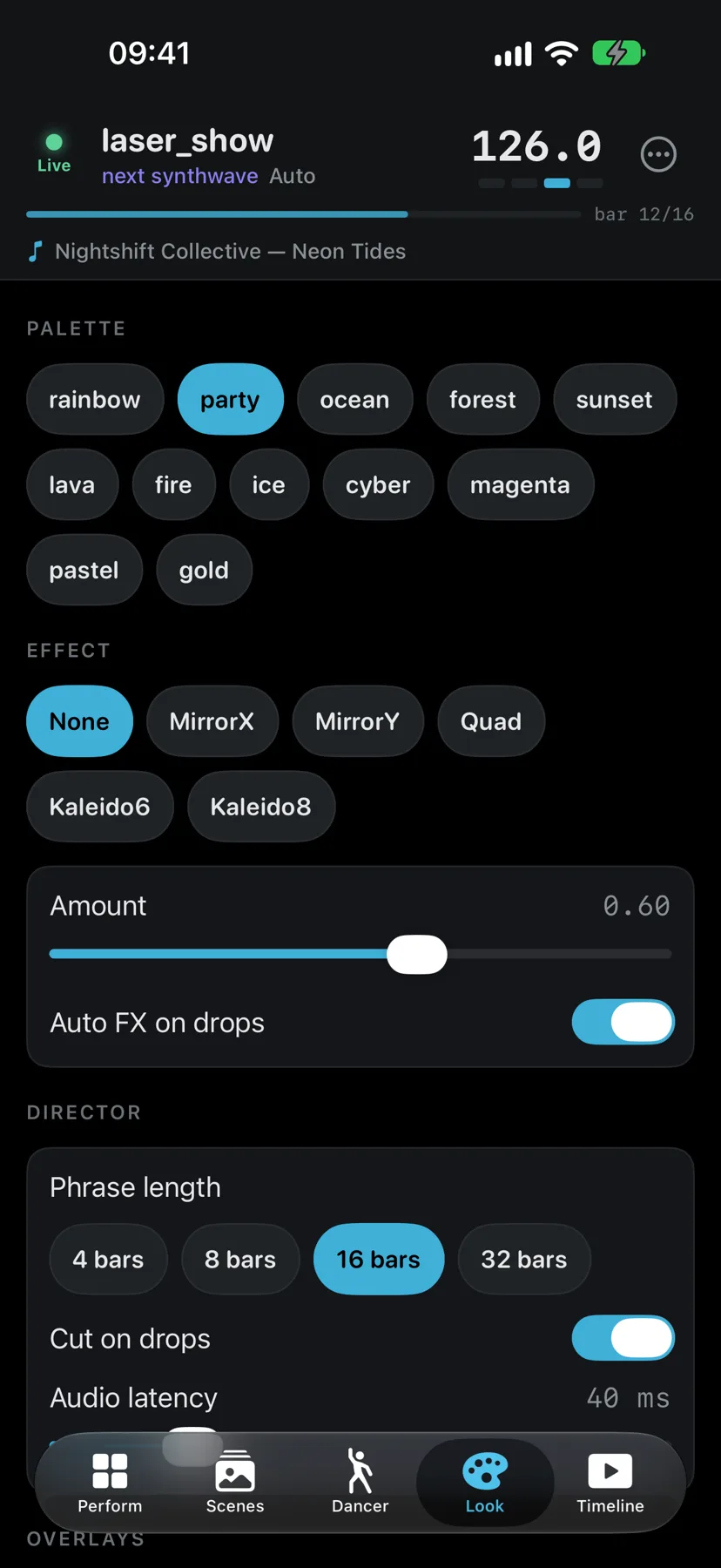
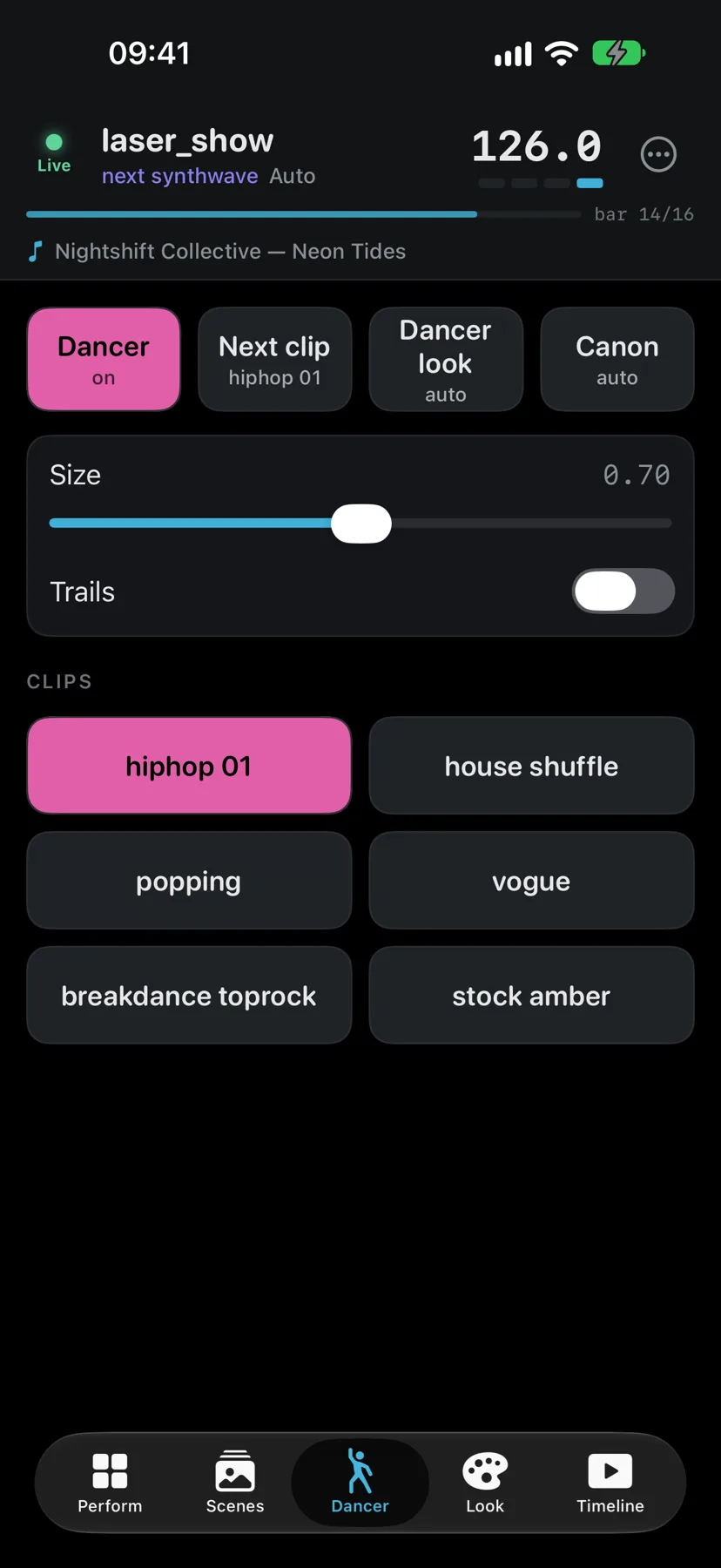
Run your visuals from the booth. Cut scenes on the beat, fire the strobe, and swap palettes and dancers from your iPhone or iPad over Wi-Fi.
Pages tuned for thumbs in a dark room.
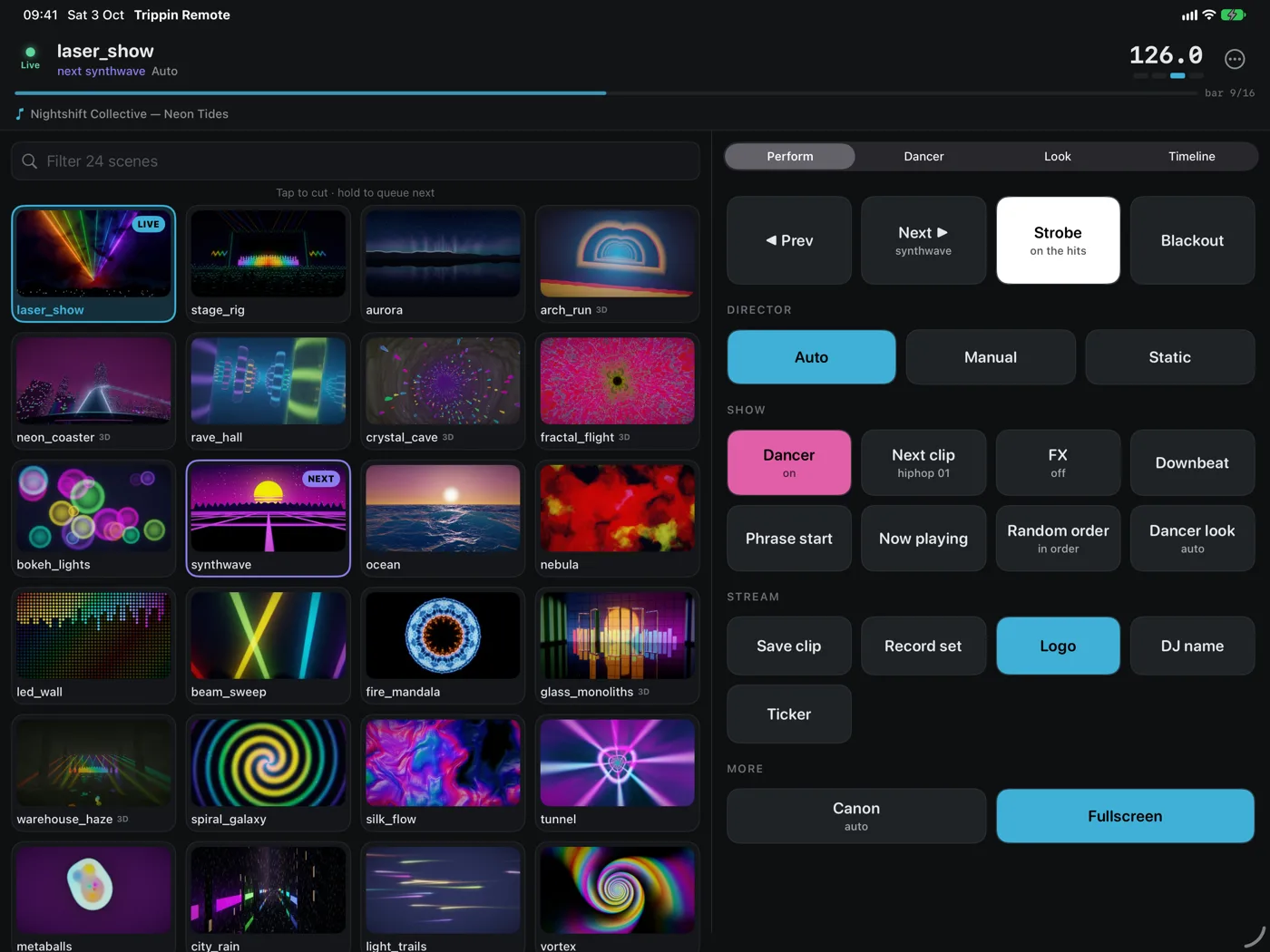
On iPad the scene grid sits beside the controls, so you can see every look and change the rest without switching pages. Landscape or portrait.
In Trippin, open Settings and switch on the remote. It shows an address and a pairing PIN.
Put your phone or iPad on the same network as the computer running Trippin. It finds it automatically.
Pair once. The PIN is kept in your device's Keychain, so next time it's one tap.
No rig handy? Tap Try the demo inside the app, no computer needed.
Prefer no install? Browse to http://<your-computer-ip>:9138 on any device for a basic web remote. OSC for TouchOSC is supported too.
No accounts, no analytics, no ads, no tracking. The app only talks to your own computer on your own network.